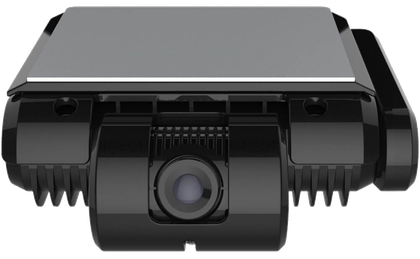
Link camera to vehicle
Record which camera is installed in which vehicle. Sign in with the email address Pointguard invited.

Record which camera is installed in which vehicle. Sign in with the email address Pointguard invited.
Scan the camera barcode, photograph the number plate and/or the VIN, check the installation and save. Vehicles without a plate yet can be linked by VIN only.
Skip if the vehicle is not registered yet. Then the VIN is required.
Required if there is no number plate. If both are available, add both.
Turn the ignition on so the camera is online, then start the check. The results are saved with the link. Checks that can't be done now can be finished later from the link in the list.
Loading…